
Sales leaderboard and targets, calculated from the real deal
Comparing sales reps from memory, or on a spreadsheet updated now and then, is easy to argue with: someone always remembers a detail the spreadsheet missed. SDRBOT.ai builds the sales leaderboard straight from the deals that actually happened — won, lost, with the value recorded — puts the AI side by side with the human team in a comparison of its own, and lets you set targets per sales rep or for the whole team at once, with whatever period and metric make sense for your operation.
Build my SDR free →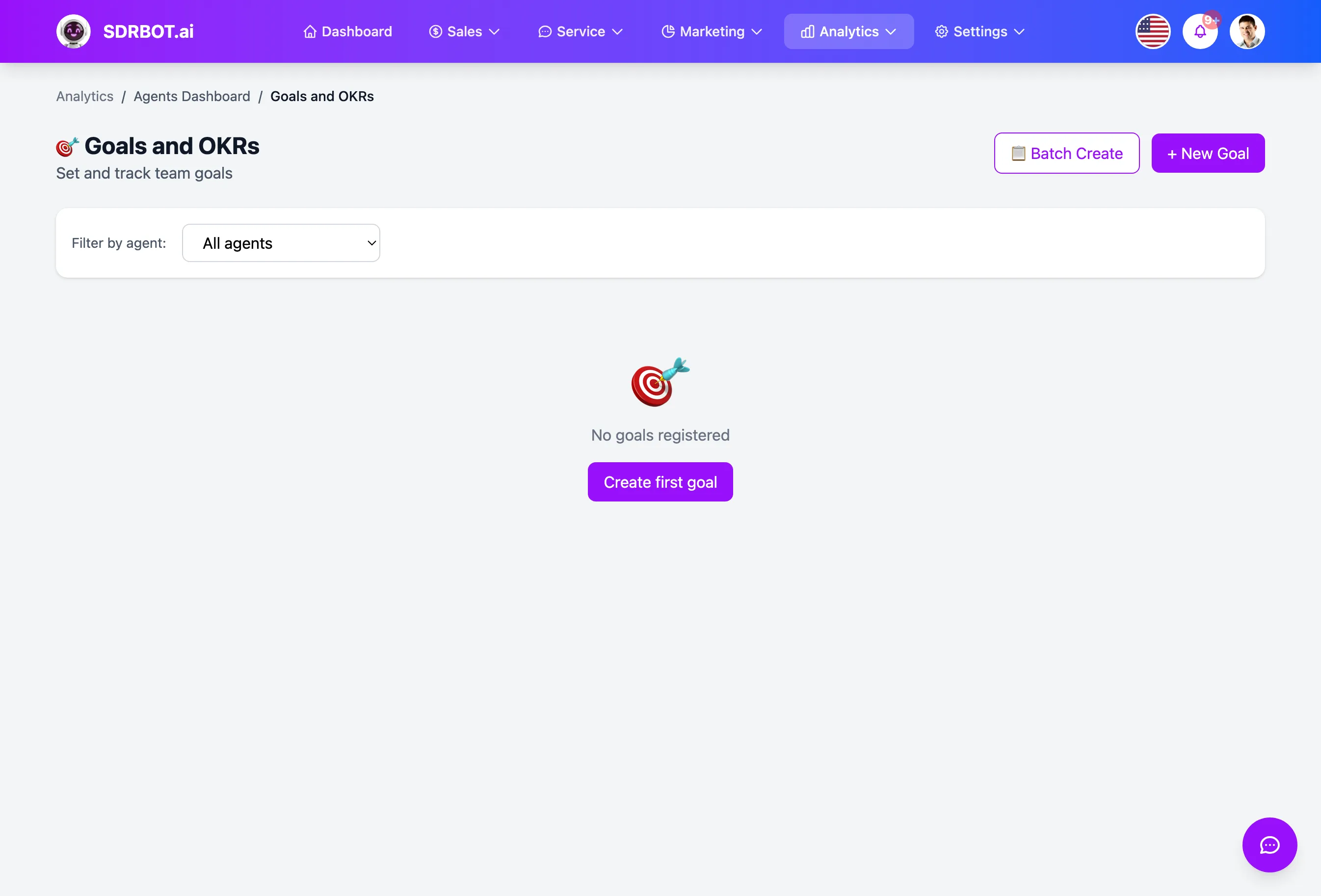
A leaderboard straight from closed deals
The sales leaderboard does not ask anyone to fill anything in: it is assembled from each sales rep's handoffs in the chosen period, adding up how many deals each one received, how many they won, how many they lost and how much revenue they produced — and ordering the list by each rep's revenue.
Next to the position in the leaderboard, you see each sales rep's conversion rate and their satisfaction score (CSAT), where one exists — so the leaderboard is not only about who sold the most; you can also tell who converts the queue they receive best and who leaves customers most satisfied along the way.
Because the calculation uses only deals already recorded, a sales rep who just joined the team appears in the leaderboard as soon as their first deal is completed, with no extra registration of prior history needed before they start scoring.
The AI enters the comparison, on a dashboard of its own
Separate from the human sales rep leaderboard, there is a dedicated comparison between the AI SDR and the sales team: how many messages the AI sent and received, how many handoffs it created, against how many leads the humans received, converted and lost and how much revenue they closed in the same period.
On top of those numbers, the platform assembles up to six written readings automatically — about automation volume, efficiency between what the AI delivers and what the team closes, conversion performance, revenue, missed opportunities and the collaboration between the two — calculated by rule over the period's real numbers, not written by a generative AI model.
Targets per sales rep, created one by one or in bulk
You set a target by choosing among ten available metrics — leads converted, leads received, revenue produced, deals closed, conversations completed, messages sent, average response time, satisfaction score, handoffs created or re-engagement replies received — a period (daily, weekly, monthly or quarterly), a target value and, if you want, a stretch value beyond the original target.
Instead of creating one target at a time, you can set targets in bulk for several sales reps in one go, choosing the metrics and the values for each of them on a single screen — useful at the start of a new month or quarter, when the manager reviews the whole team's targets together.
Reuse the previous period instead of starting over
When assembling targets for a new cycle, the platform can pull the previous period's targets as a starting point — the same sales reps, the same metrics, the same values — so you adjust rather than fill everything in again from scratch each month or quarter.
A set of metrics and values can also be saved as a template, with a name of its own, to apply again later without having to remember exactly which metrics the team usually works with — useful when the same target structure repeats cycle after cycle, changing only the numbers.
That helps especially in operations with a lot of sales rep turnover per quarter: even with people joining and leaving the team, the metric structure you already tested stays available to reapply, instead of disappearing along with the previous cycle.
What changes for your team
- A real leaderboard, not an estimateCalculated from the won and lost deals of each sales rep.
- AI and human comparedMessages, handoffs and revenue on each side, on the same dashboard.
- 10 target metricsFrom leads converted to average response time, your pick.
- Targets in bulkSet the whole team at once, starting from the previous period.
Frequently asked questions
Is the sales leaderboard only about who sold the most by value?
The list is ordered by revenue produced, but each position also shows the sales rep conversion rate and satisfaction score, where one exists — so you can tell who converts best or leaves customers most satisfied, not only who closed the largest amount.
Does the AI appear in the same leaderboard as the human sales reps?
Not in the same leaderboard ordered by revenue — the AI does not close a deal with a sale value attributed to it. It appears in a dedicated comparison, side by side with the human team total, with metrics of its own for messages and handoffs.
Can I create a target for the whole team at once?
Yes. Instead of setting them sales rep by sales rep, you can create targets in bulk, choosing the metrics and values for each person on a single screen, for the same period — daily, weekly, monthly or quarterly — without repeating the setup one at a time.
Do I have to recreate the targets from scratch every month?
Not necessarily. When assembling a new cycle, you can pull the previous period targets as a starting point, or apply a saved template with a set of metrics and values already defined, adjusting only what changed. That spares the work of typing metric after metric again, especially when the team target structure does not change much from one cycle to the next.
Works together with
Built for: Car Dealerships SaaS & B2B Franchises