
A lead capture form protected against spam and duplicate records
A form exposed on the internet with no protection becomes a target for spam bots and duplicate records. The SDRBOT.ai capture form is born with an exclusive token per form, a trap field against robots and a submission cap per IP and per form — and before creating a new lead, it checks by phone and by email whether that contact already exists in your base, so the same person is not scattered across different records.
Build my SDR free →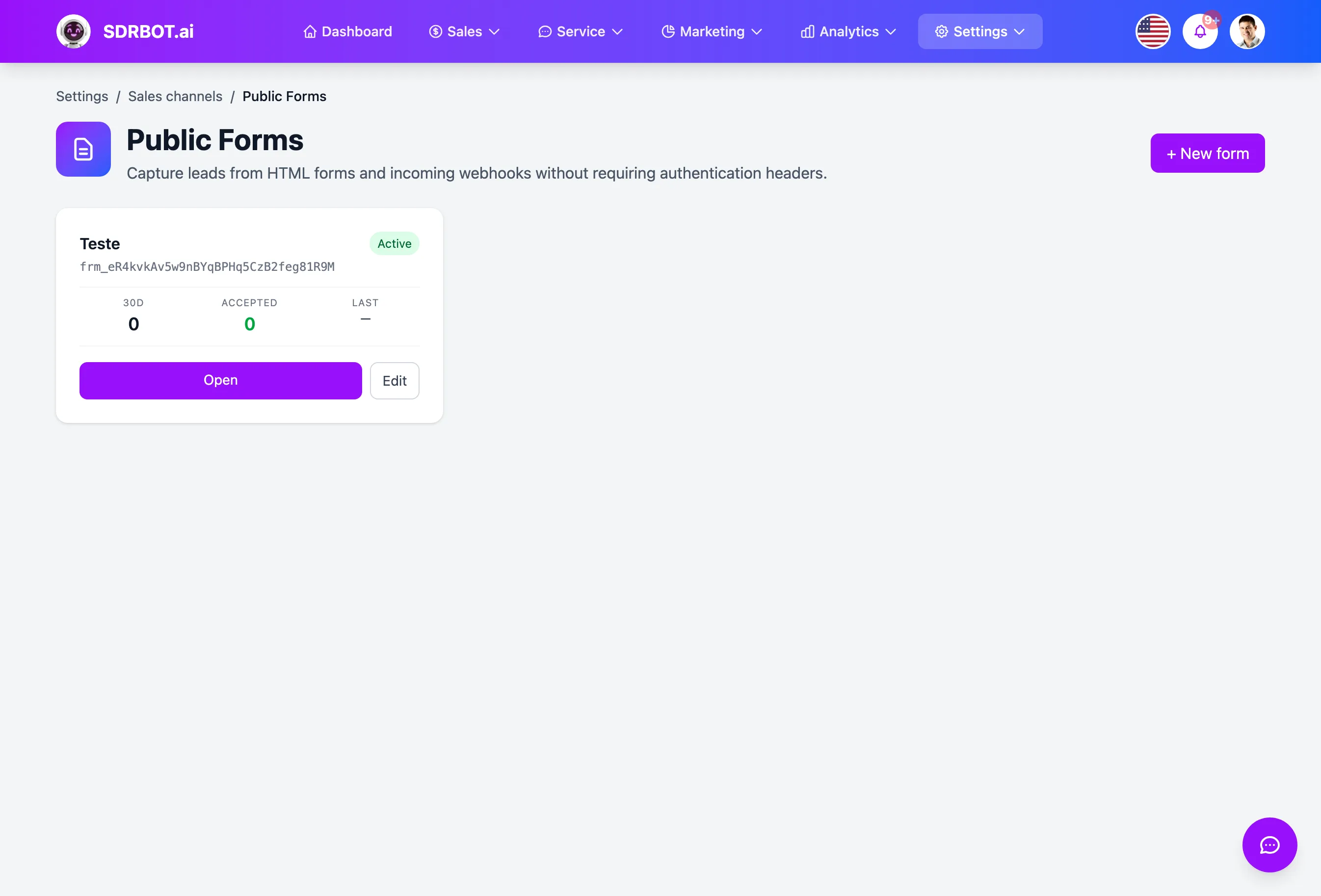
A link only yours, protected from the URL on
Each form created gets a random key of its own — not a sequential number that is easy to guess by trying other values in order. That key is what forms the public link the form on your site, or on any external page, sends its data to.
Behind that link, three layers of protection run without you configuring anything: an invisible trap field that silently rejects automated submissions, a cap on how many submissions are accepted per IP and per form each minute, and a list of domains authorized to send data to that specific form. For anyone who wants an extra layer, you can also require a cryptographic signature on every submission.
Before creating a new lead, it checks whether one exists
Each submission goes through a check first: the phone number provided, in any formatting, with or without a country code, is compared against the phone numbers already on file, and if no phone match is found, it tries by email. Finding an existing lead, the form updates that record instead of creating a duplicate.
That update is careful: name, email, company and job title are always updated with what came in the form, but budget, decision authority, urgency and timeline are only filled in if they are still empty — so as not to overwrite qualification the AI had already extracted in an earlier conversation with that same lead.
Standard fields, designed for qualification
The form captures name, phone, email, company, job title and the four qualification fields the AI uses — budget, decision authority, urgency and timeline. Phone is the only genuinely required field; the rest come in if your external form sends them. Free-text fields go through sanitization before entering the base, with a length cap — one more protection, since that data may later feed the qualification the AI does in the first conversation with the lead.
If the form on your site uses field names different from ours, you can map each source name to the right destination field in the configuration, without changing anything in the form itself. Today it is not possible to create a tenth field beyond these; the list is fixed, designed around what sales qualification actually uses.
The conversation can start on its own, if you set it up that way
By default, a new lead created by the form sits recorded in the CRM waiting for someone to make contact. If you want, you can switch on the automatic conversation start: as soon as the lead comes in — and it is not an update to an existing one — SDRBOT.ai sends the first message over WhatsApp using a template approved by Meta, required since this is a new contact, outside the free conversation window.
That option asks for two things configured beforehand: a connected WhatsApp integration and an already-approved template chosen for that first message. Without those in place, the default behavior stands — the lead enters the CRM clean, with no automatic message fired.
What changes for your team
- Exclusive tokenEach form has a link of its own, not a sequential ID.
- Anti-spam in 3 layersTrap field, submission cap and a list of authorized domains.
- No duplicate leadsIt checks phone and email before creating a new record.
- Optional automatic startSwitch it on for WhatsApp to greet the new lead by approved template.
Frequently asked questions
Does the form have protection against spam robots?
Yes, in three layers: an invisible trap field that rejects automated submissions without the user noticing, a cap on how many submissions are accepted per IP and per form each minute, and a list of domains authorized to send data. There is no visible CAPTCHA today — those three layers cover the form protection.
If the same person fills in the form twice, does that make two leads?
No. Before creating a new lead, the system checks the phone number provided, and the email if it finds nothing by phone, against the existing base. Finding the same contact, the data is updated in the record that already exists, without creating a second duplicate lead.
Can I add a custom field to the form?
The fields are standard: name, phone, email, company, job title and the four qualification criteria (budget, authority, urgency, timeline). Only phone is required. If your external form uses different field names, you can map each one to the right field, but not create a new field beyond these.
Will WhatsApp message whoever fills in the form automatically?
Only if you switch that option on and already have a connected WhatsApp integration with an approved template chosen. By default, the lead simply enters the CRM, with no automatic message — the automatic conversation start is optional, not the default behavior.
Works together with
Built for: Agencies & Consulting Real Estate Insurance