Automatic meeting scheduling without leaving the conversation
Setting a meeting usually means leaving WhatsApp, opening a calendar link, picking a time and hoping it is still free when someone confirms on the other side. In SDRBOT.ai, the AI SDR itself negotiates the time inside the conversation, checks the responsible agent's real availability before confirming and closes the appointment right there — with a calendar invite and an automatic reminder, without the lead having to leave the channel they were already on.
Build my SDR free →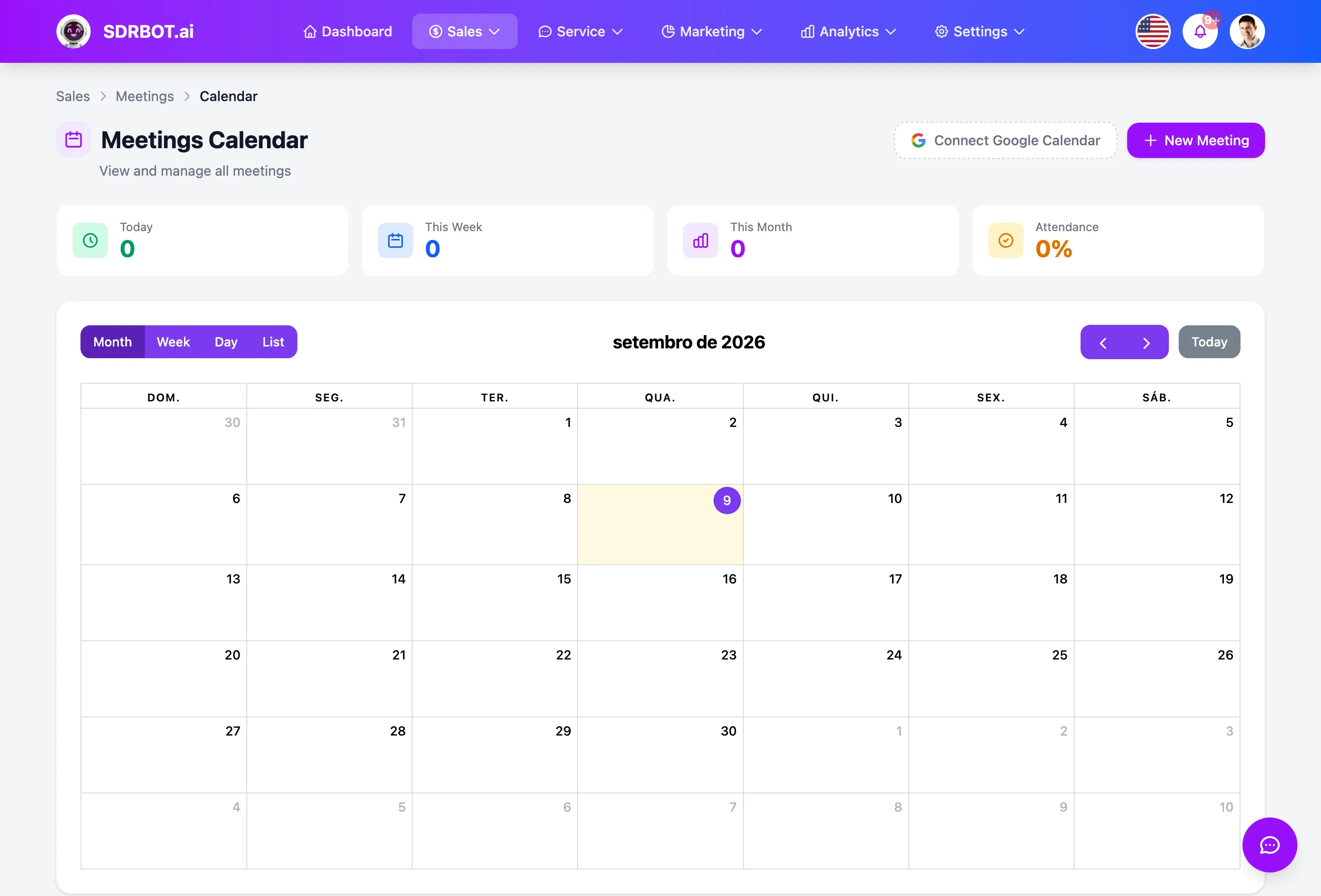
The time is negotiated in the chat
When the lead shows interest in scheduling, a dedicated scheduling mechanism takes over the conversation: it works out whether they are asking for a demo, asking about open times, proposing a specific time or confirming one already suggested, and it runs that negotiation in natural language, with no form and no external link.
That mechanism runs inside the AI SDR's own message flow, on the same channel where the lead was already talking — WhatsApp, Instagram, Messenger, RCS or the site widget. For the lead there is no separate "schedule a meeting" step: it is the same conversation, only now about dates and times, with nothing external to click and no separate form to fill in.
Availability is genuinely checked, twice
Before any time is offered to the lead, the system checks three things at once: the business hours the organization has on file, the calendar blocks specific to the responsible agent (vacation, personal commitments, reserved slots) and the meetings that already exist in that interval. Only a time that passes all three criteria makes the list of options — a lead is never offered a slot that is already taken or outside the agreed working day.
When the lead confirms the chosen time, availability is checked again, now at the exact moment of creating the meeting — specifically to cover the rare case of two leads trying to close the same slot at the same time. Without that second check, that race between two simultaneous confirmations could leave two conflicting meetings on the same calendar.
A real invite, not just an internal record
As soon as the meeting is confirmed, a calendar invite (an .ics file) is emailed to the participants — it works regardless of any additional integration. If the responsible agent has already connected their own Google Calendar account, the meeting is synced there too, and Google itself sends its native invite to the lead and to the agent.
That Google Calendar sync is a connection each agent makes individually, in their own settings — it is not switched on automatically for the whole organization at once, so it is worth checking whether the agents taking conversations have connected their accounts.
A reminder on the channel the lead already uses
Once confirmed, the meeting produces automatic reminders that fire on their own, with nobody scheduling them by hand: one reminder 24 hours ahead and another one hour ahead, sent directly to the lead on WhatsApp, at the same number where the conversation happened — lowering the chance of a no-show through forgetfulness. The responsible agent, in turn, gets an internal reminder 15 minutes before the agreed time.
At the same moment the meeting is confirmed, the system already creates a transfer to a human agent to follow that lead — so a meeting set by the AI SDR is not left floating, waiting for someone to notice it exists. Somebody on the sales team is already aware of the appointment and can prepare, review the conversation history and arrive with context, instead of discovering the meeting at the last minute.
What changes for your team
- Closes the time in the chatNo external link, no leaving the conversation already under way.
- No calendar clashAvailability checked twice, including at the moment of confirmation.
- A real inviteAlways an email with .ics, and Google Calendar when the agent connects the account.
- Automatic reminderWhatsApp 24 hours and 1 hour ahead for the lead, plus an internal alert for the agent.
Frequently asked questions
Does a meeting set by the AI show up in my Google Calendar?
It does, if the responsible agent has already connected their own Google Calendar account in the settings — the sync is done per agent, not switched on automatically for the whole organization. Either way, an email invite with a calendar attachment is always sent.
How does the system avoid setting two meetings at the same time?
Availability is checked against business hours, the agent calendar blocks and the meetings that already exist before any time is offered — and checked again at the moment of confirmation, to cover the rare case of two leads trying to close the same slot at the same time.
Does the lead get an official invite for the meeting?
Yes, always an email with a calendar invite file (.ics), which works in any calendar app. If the agent has Google Calendar connected, the lead also receives the native invite sent by Google itself.
Does someone on the team follow a meeting set by the AI?
Yes. As soon as the meeting is confirmed, a transfer to a human agent is created automatically, so that someone on the sales team follows that lead before and during the agreed time.
Works together with
Built for: Car Dealerships Healthcare SaaS & B2B